Introduction
Setup Checklist
Follow the steps below and you'll be up and running with SipMetrics in no time.
API key
To get started with SipMetrics, you'll need a Vinoshipper API key. These are free, and are included with your Vinoshipper account. To request a Vinoshipper API, navigate to the Vinoshipper website.
Use the blue button called Create New Key. You must write down this information, because you will not be able to view it at a later date. If you can't create a key, contact Vinoshipper support.
Service
Services are connections from SipMetrics to data providers like Vinoshipper. You'll need at least one service in order to get started with SipMetrics. A service is where you store your API key which allows SipMetrics to retrieve data about your account.
Please refer to the steps in the Getting Started guide to create a service.
Invite Users
You can invite additional users to your account in order to view reports and collaborate. Support for additional users is available at the Estate and Reserve account levels.
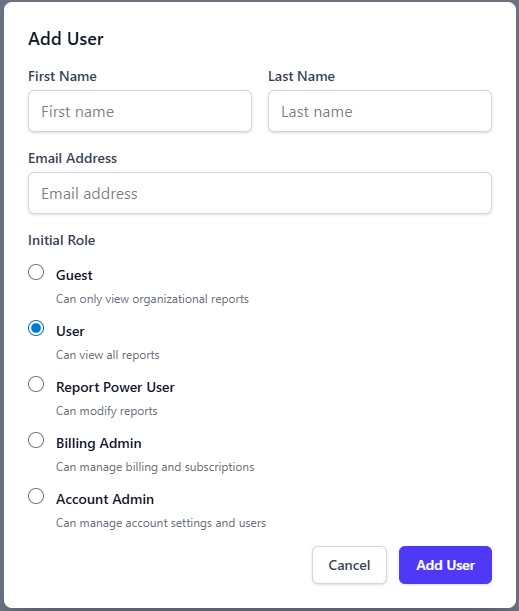
To add additional users to your account, you can send them an invitation via email to join SipMetrics.
You can invite additional users from the Users page. You must be an Administrator or an AccountOwner to invite users.